Ledger® Live: Desktop®® — Getting Started | official Ledger
Ledger Live Desktop: A Complete Guide to Managing Your Cryptocurrency Introduction to Ledger Live Desktop
Ledger Live Desktop is a desktop application designed to help users manage and monitor their cryptocurrency assets through a compatible Ledger hardware wallet. It provides an interface for viewing account balances, tracking portfolio performance, managing supported crypto assets, and accessing available cryptocurrency management features from a computer.
For individuals who prefer managing their digital assets on a desktop or laptop, Ledger Live offers a convenient way to interact with supported blockchain networks while keeping private keys protected by a compatible hardware wallet. The application brings essential portfolio information and account management tools together in one interface, making cryptocurrency management easier to understand and navigate.
Before downloading or installing any cryptocurrency wallet software, users should verify the application's authenticity and ensure that they are using official resources.
What Is Ledger Live Desktop?
Ledger Live Desktop is the desktop version of Ledger's cryptocurrency management software. It works with compatible Ledger hardware wallets to provide an interface for managing supported digital assets.
Unlike a conventional software wallet that may store private keys on an internet-connected device, a Ledger hardware wallet is designed to keep private keys within its secure hardware environment. Ledger Live provides the interface through which users can review account information and prepare supported transactions, while transaction authorization takes place using the hardware wallet.
The exact features available depend on the supported cryptocurrency, blockchain network, device model, application version, and regional availability.
Key Features of Ledger Live Desktop
- Cryptocurrency Portfolio Management
Ledger Live Desktop allows users to view supported crypto accounts and monitor their portfolio balances from a centralized dashboard. This can help users understand their asset distribution and review changes in their holdings over time.
Portfolio values may depend on market prices, network data, and the availability of pricing information. Displayed values should not be interpreted as guaranteed market prices or investment recommendations.
- Supported Crypto Asset Management
Users can manage compatible cryptocurrency accounts through the desktop interface. Available assets and account functions vary depending on blockchain support and application compatibility.
Before sending or receiving digital assets, users should carefully verify the cryptocurrency, network, destination address, and any required memo or tag. Transactions sent to an incompatible address or network may result in permanent loss.
- Hardware Wallet Integration
A central purpose of Ledger Live Desktop is to work with a compatible Ledger hardware wallet. The hardware device helps protect private keys and enables users to review and authorize supported transactions.
Users should inspect transaction details directly on the hardware wallet's screen before approving a transaction. A connected computer or application should never be treated as a substitute for independent transaction verification.
- Transaction Monitoring
The application can help users review supported account activity, including incoming and outgoing transactions. Blockchain confirmation times, transaction fees, and the availability of transaction information depend on the relevant network.
A transaction marked as pending may take time to confirm. Users should avoid repeating transactions without first checking the relevant account and blockchain status.
- Desktop Convenience
A desktop interface provides more screen space for reviewing account details, navigating supported features, and managing multiple accounts. Users should nevertheless keep their operating system, security software, and wallet application updated through trusted sources.
A secure desktop environment is an important part of responsible cryptocurrency management.
How to Get Started with Ledger Live Desktop
Getting started requires careful attention to authenticity and security.
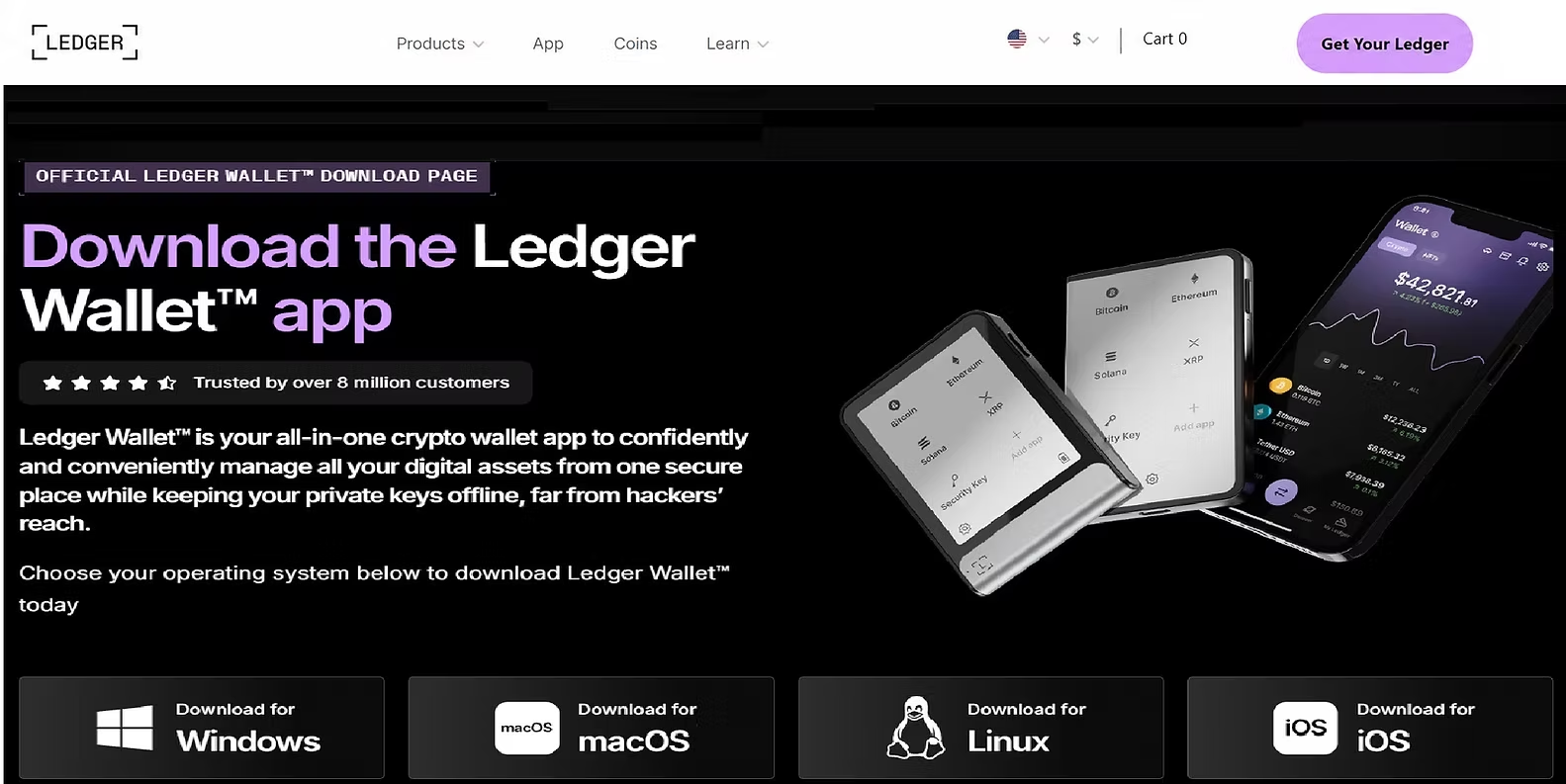
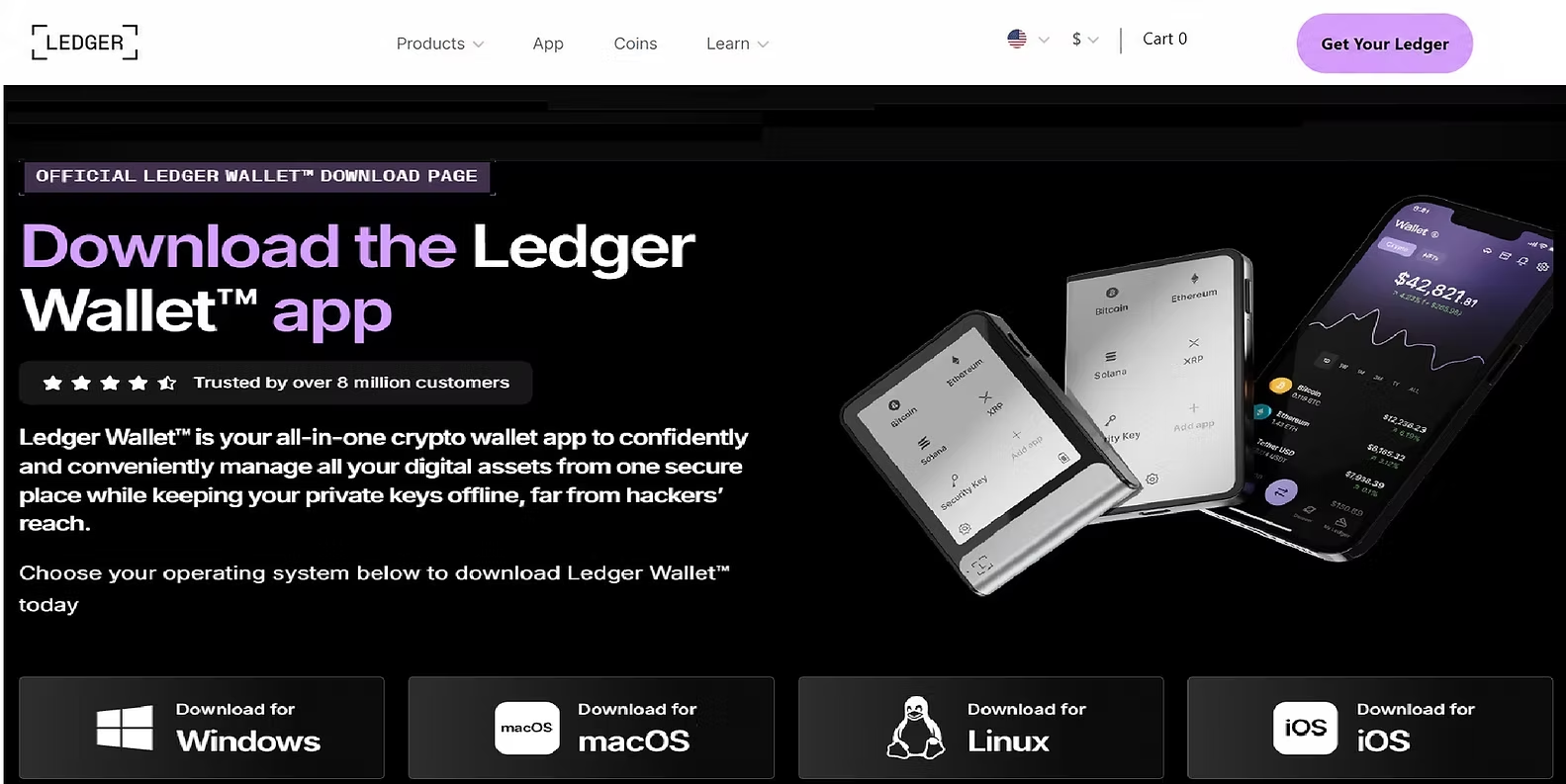
First, locate Ledger's official website by entering its known address directly into your browser. Navigate to the official download section and verify that the software is intended for your operating system.
Download and install the application using the instructions provided by Ledger. Connect a compatible hardware wallet and follow the device's on-screen instructions. If you are setting up a new device, follow the manufacturer's official setup guidance. If you already have a wallet, never reset it or enter recovery information into unfamiliar software merely to resolve a connection issue.
After setup, review the supported account options and add the relevant accounts as instructed. Before performing a transaction, check the destination address, network, fees, and amount. Confirm the details on the hardware wallet itself.
Never share your recovery phrase with another person, website, application, or customer support representative.
Best Practices for Using Ledger Live Desktop
Maintaining good security habits can help reduce avoidable risks when managing cryptocurrency.
Download the application only through verified official channels. Keep your hardware wallet firmware and desktop software updated using official instructions. Store your recovery phrase offline in a secure location. Never enter your recovery phrase into a website or desktop application in response to an unsolicited request. Verify wallet addresses and transaction details on the hardware device before approving. Be cautious of sponsored search results, fake support accounts, phishing emails, and counterfeit download pages. Use a trusted computer with current security updates. Remember that blockchain transactions are generally irreversible once confirmed. Research third-party applications and services before granting permissions or connecting